
Plan for Student Participation
University City event rentals can support orientation events, late-night programs, residence life activities, student organization events, finals week breaks, and campus celebrations. The rental mix should make it easy for students to join without a long explanation.
Tech attractions, photo booths, snack stations, and casual games work best when students can rotate between them naturally instead of waiting in one crowded line.
- Use arcade and VR stations as high-interest anchors.
- Use photo booths for social and shareable moments.
- Use interactive games for quick participation and rotation.
- Use snack and lounge zones so students have a place to pause.
Map Student Center and Campus Hall Flow
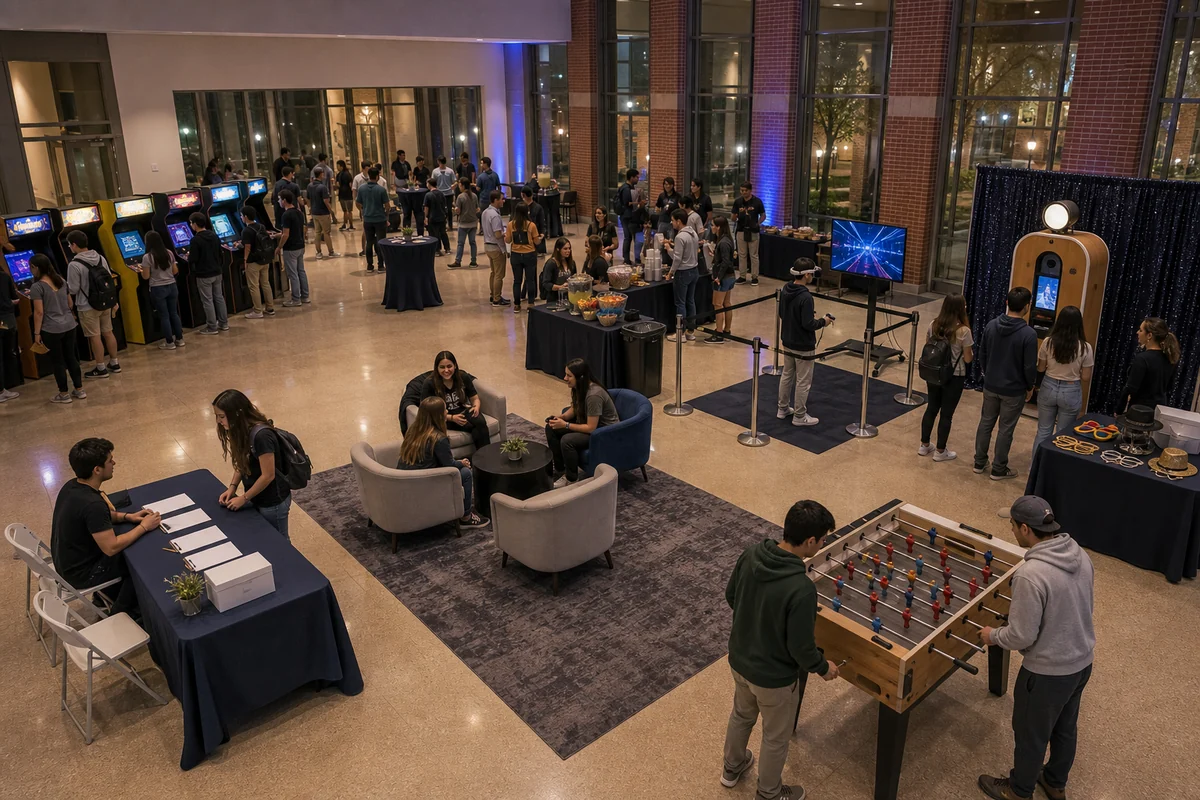
Student centers and campus halls often have fixed furniture, columns, doors, elevators, and fire lanes that shape the event. Place high-demand activities where students can watch and wait without blocking the main room.
Include room layout, loading access, elevator notes, power locations, setup windows, and campus rules in the planning details.
Use Arcade and VR as Modern Activity Anchors
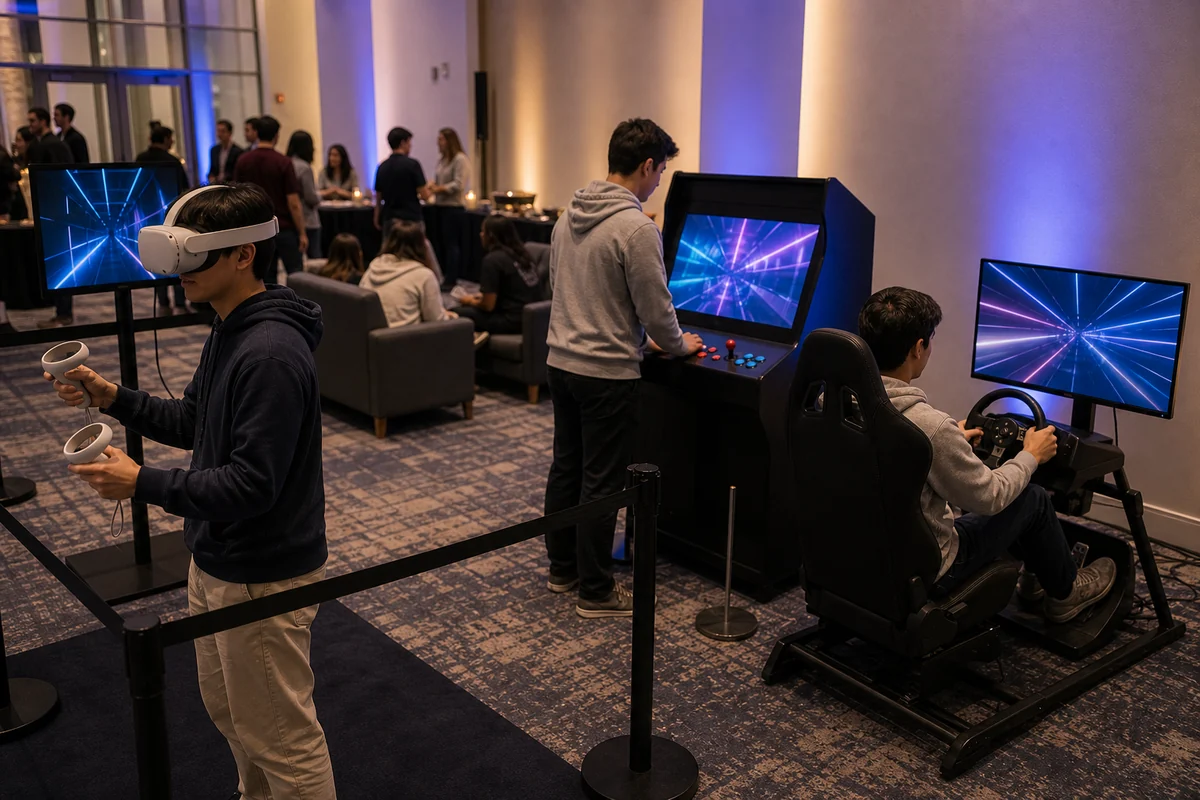
Arcade and VR rentals can make a campus event feel current and visual. These stations need room for players, spectators, staff reset, and guests waiting nearby.
For larger student programs, pair high-demand technology stations with easier drop-in activities, snacks, seating, or photo booth moments.
- Keep VR reset areas clear for staff and players.
- Use arcade stations for shorter turns and visible activity.
- Use photo booths as a social counterpoint to tech attractions.
- Keep cables and equipment out of walking paths.
Keep Photo Booth and Snack Details Simple
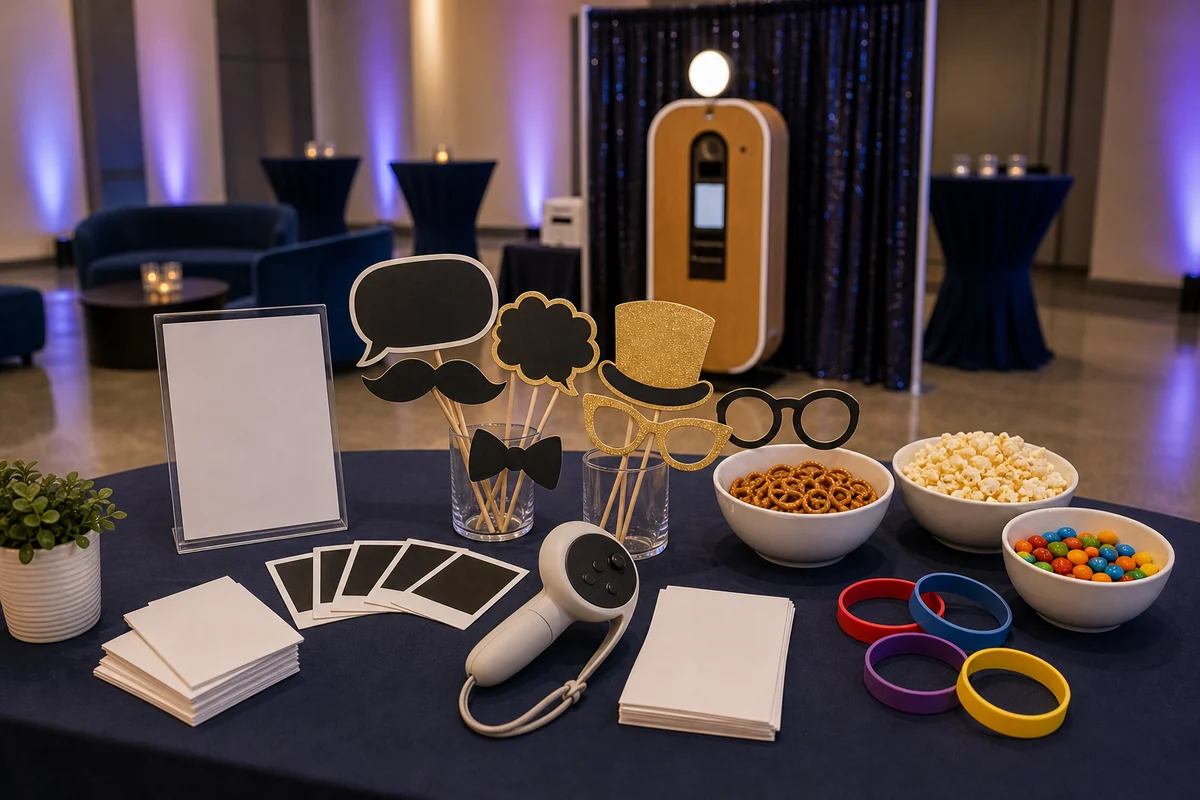
Campus events can get busy quickly, so props and supplies should stay organized. Keep photo booth props near the booth, snack materials near the food station, and activity materials near the stations they support.
Simple materials help student staff, resident assistants, volunteers, or event teams keep the room working during the whole program.
Quote Details for University City Event Rentals
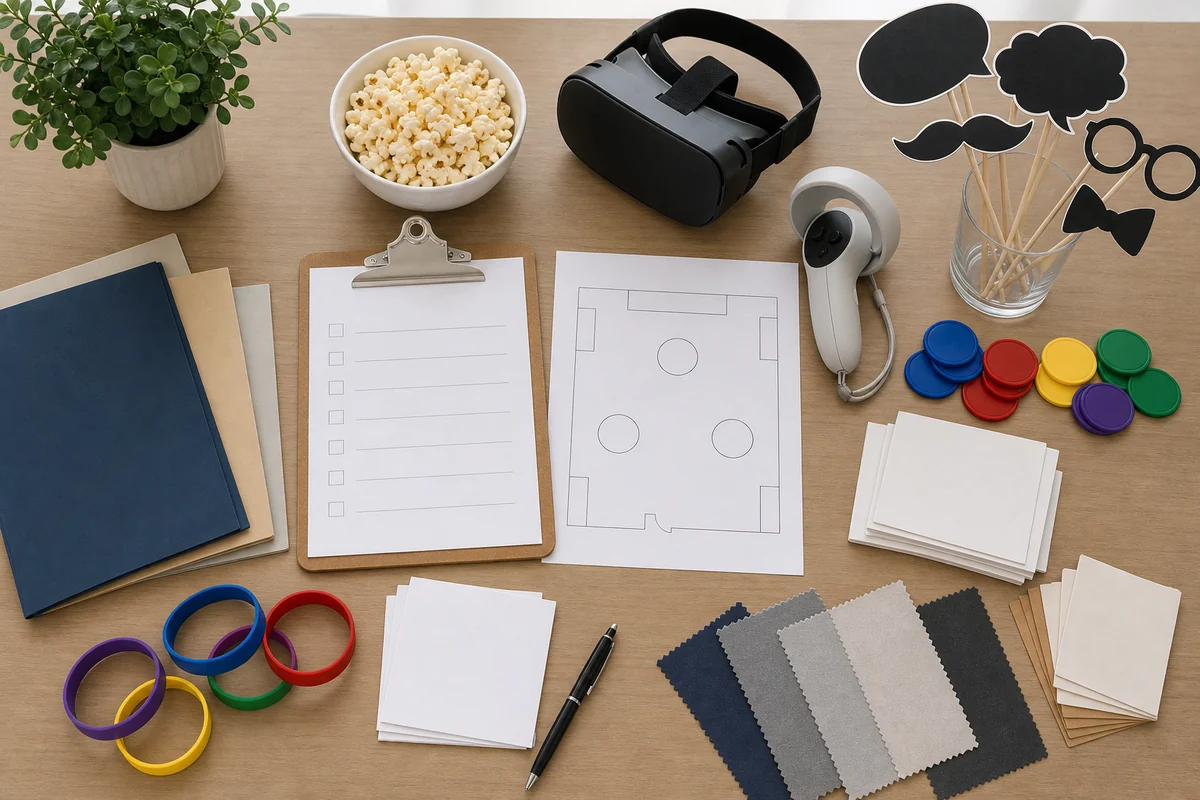
When requesting University City event rentals, include the event date, campus or venue location, room name, guest count, age range, event hours, indoor or outdoor setup, access path, elevator or loading notes, power details, setup timing, and preferred catalog items.
Also mention whether the event is an orientation, late-night program, residence life event, student organization activity, finals break, college celebration, or campus-wide program.
- Event date, University City location, room name, and event hours.
- Guest count, age range, event format, and student activity goals.
- Access path, elevator/loading notes, power details, setup window, and campus rules.
- Preferred rentals such as arcade games, VR stations, photo booths, interactive games, concessions, or lounge add-ons.
- Orientation, late-night, residence life, student organization, finals break, or campus program context.
Frequently Asked Questions
What rentals work well for University City campus events?
Arcade games, VR stations, photo booths, interactive games, concessions, and casual activity stations can work well when the room layout, power, access, and student flow fit.
How should planners set up arcade and VR rentals on campus?
Plan player space, staff reset space, spectators, queues, cable paths, power access, and nearby lower-pressure activities before finalizing the layout.
What details help with a University City event rental quote?
Send the date, campus location, room name, guest count, event hours, access notes, elevator or loading details, power information, setup timing, and preferred catalog items.