
Start With the Campus Program Goal
A college event can be a welcome-week activity, residence hall program, student organization night, finals-week break, late-night event, or campus-wide celebration. The right rental mix depends on whether the goal is high-energy play, social connection, quick drop-in activity, or a longer programmed event.
Arcade games, VR stations, photo booths, interactive games, and snack breaks can all work, but they need a layout that keeps lines visible and gives students options if one station gets busy.
- Use arcade and VR stations for high-interest activity zones.
- Use photo booths for social sharing and keepsake moments.
- Use snacks and lounge seating as a natural reset area.
- Use clear queue space so popular stations do not block entrances or exits.
Map Student Center Activity Zones
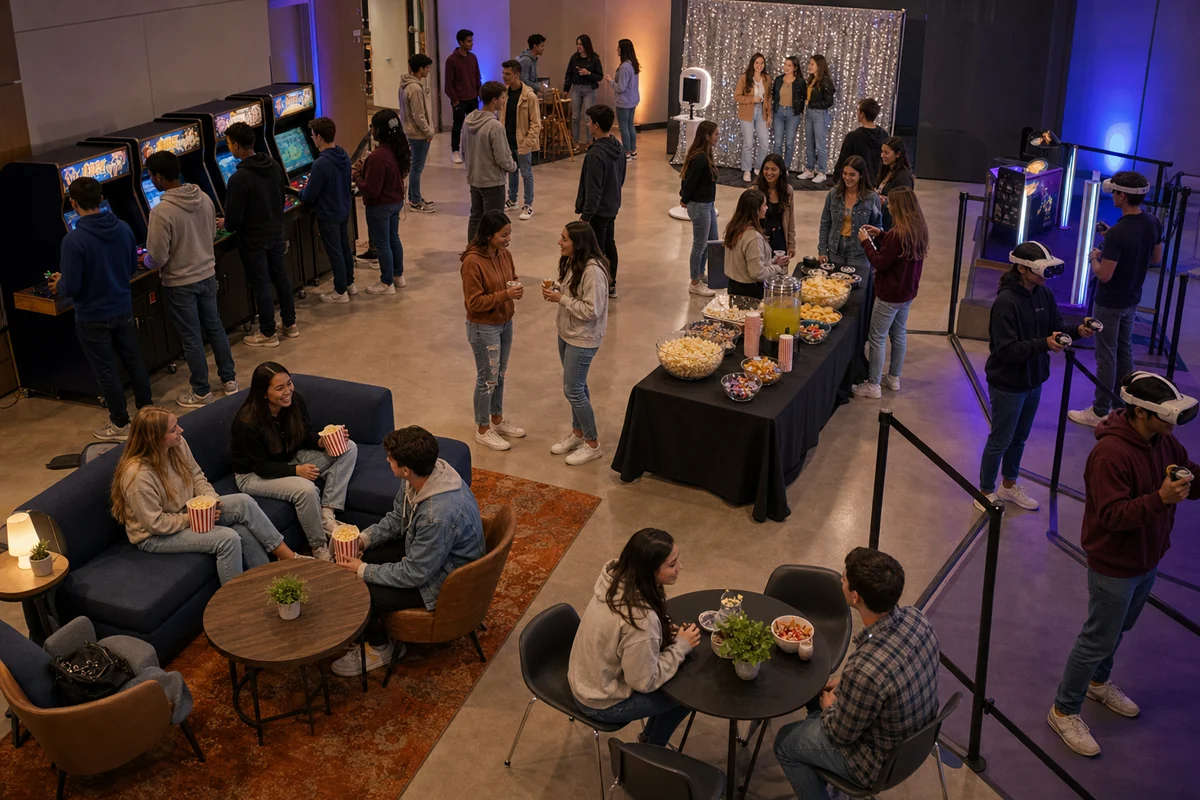
Student centers, gyms, lounges, multipurpose rooms, and campus halls can all support different event formats. Before choosing every rental, map the entrance, check-in point, activity zones, power access, seating, and paths students will use to move through the room.
If the program runs late at night, keep the strongest visual attractions close enough to draw students in, but leave enough space for staff, chaperones, or student-life teams to monitor the room.
Use Arcade and VR as the Main Draw
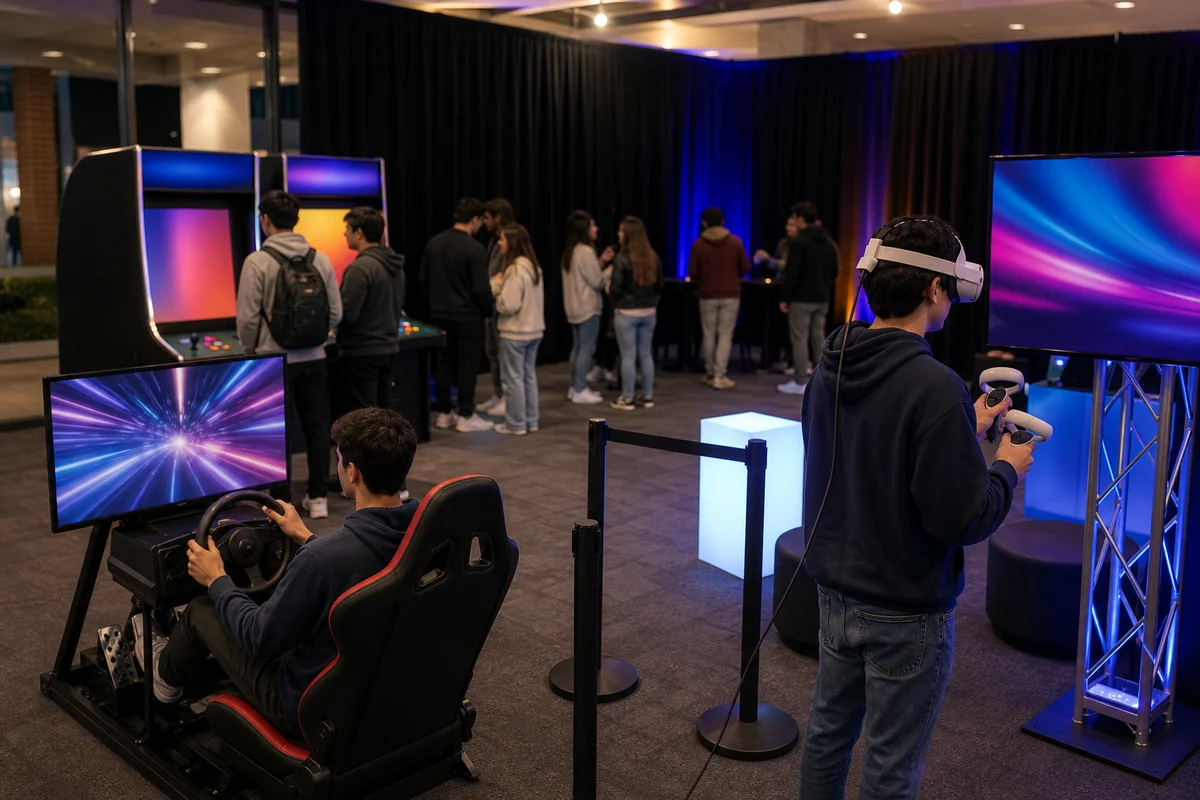
Arcade and VR rentals are useful for campus events because they feel modern, visual, and easy for students to understand quickly. They can work as the central attraction or as one zone inside a larger late-night event.
Plan for spectators as well as players. Students often gather around active stations, so leave space behind and beside the rental instead of treating it like a table against a wall.
- Use VR where staff can manage turns and equipment reset.
- Use arcade and simulator stations where spectators can watch without blocking players.
- Pair high-demand stations with lower-pressure games nearby.
- Confirm power, room access, setup timing, and loading details before the event.
Add Photo and Snack Breaks
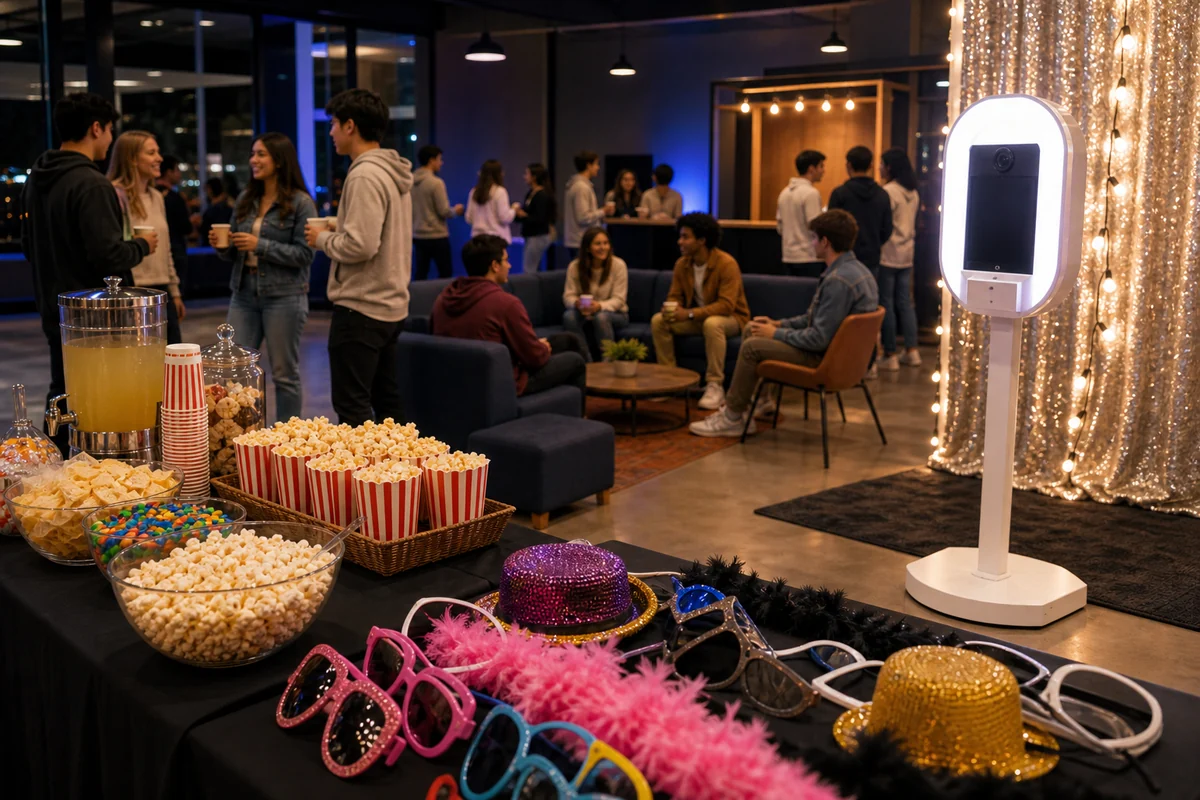
A photo booth, prop table, or simple lounge corner can make the event feel social even when the main activities are competitive. Snack stations can also reduce dead space because students have somewhere to pause while waiting for a turn.
Keep food and photo activity close enough to feel connected to the event, but not so close that lines cross into VR, arcade, or game-show stations.
Quote Details for College Event Rentals
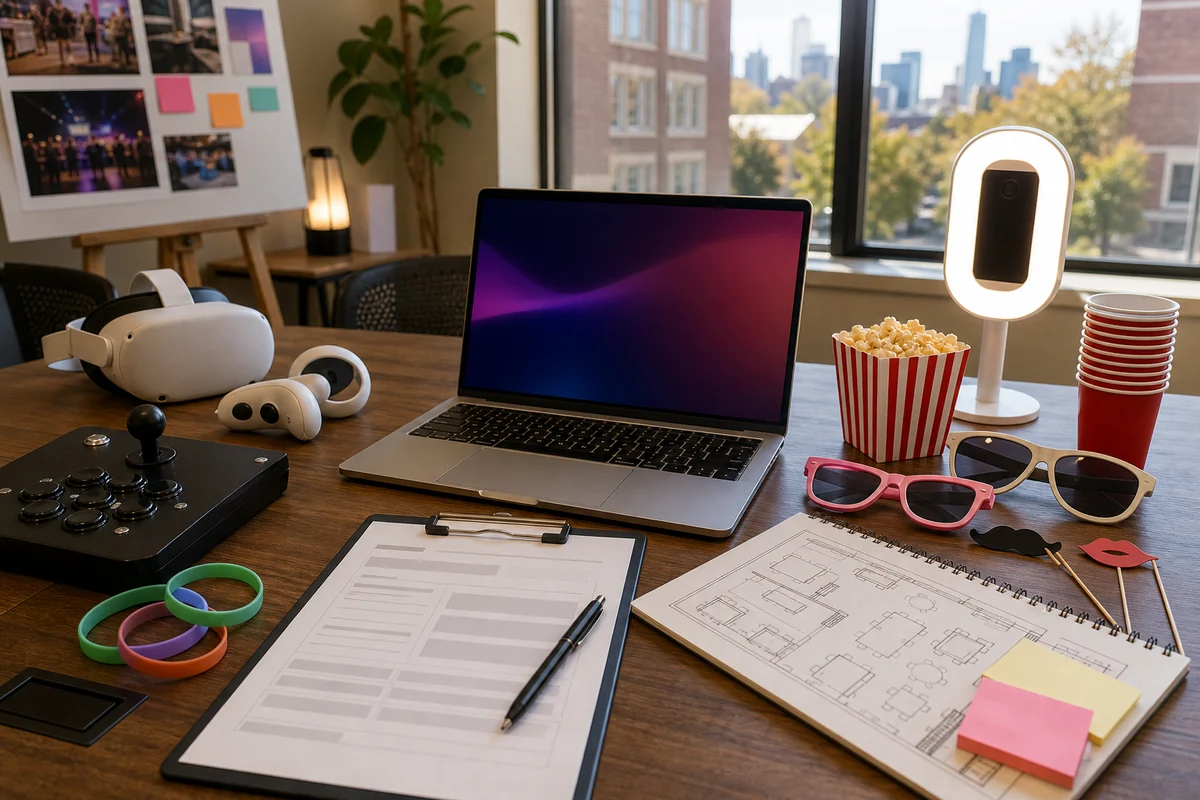
When requesting college event rentals, include the campus or Philadelphia-area location, venue type, event date, event hours, expected attendance, age range, indoor or outdoor setup, power notes, elevator or loading details, and preferred catalog items.
Also mention whether the event is orientation, residence life, student activities, finals week, post-prom style programming, or a student organization event.
- Event date, campus or venue, and program type.
- Expected attendance, event hours, and activity goals.
- Room layout, access path, elevator/loading notes, and power details.
- Preferred rentals such as arcade games, VR, photo booth, interactive games, concessions, or lounge add-ons.
- Campus rules, timing restrictions, staffing needs, and contact details for setup.
Frequently Asked Questions
What rentals work well for college events in Philadelphia?
Arcade games, VR stations, photo booths, interactive games, concessions, and lounge-style activity zones can work well when the venue, access, power, and guest flow fit the event.
How should a campus event layout be planned?
Separate active games, photo booths, snacks, seating, and queues so students can rotate through the event without blocking entrances, exits, or staff access.
What details help with a college event quote?
Send the event date, campus or venue, expected attendance, event hours, room type, power notes, loading details, setup timing, and preferred catalog items.