
Match the Arcade and VR Mix to the Audience
Arcade and VR rentals can work for teen parties, college events, corporate activities, post-prom events, private parties, and brand-style activations. The right mix depends on age range, event length, and whether guests will rotate through stations or gather around a main attraction.
VR can be a high-interest station, while arcade and simulator-style setups often support spectators and short turns. Pairing both can help keep the event active even when one station has a line.
- Use VR where staff can manage turns and equipment reset.
- Use arcade stations for easy drop-in play.
- Use simulator-style attractions where spectators can gather.
- Use lounge, photo, or snack zones as lower-pressure balance.
Plan Queues and Spectators Early
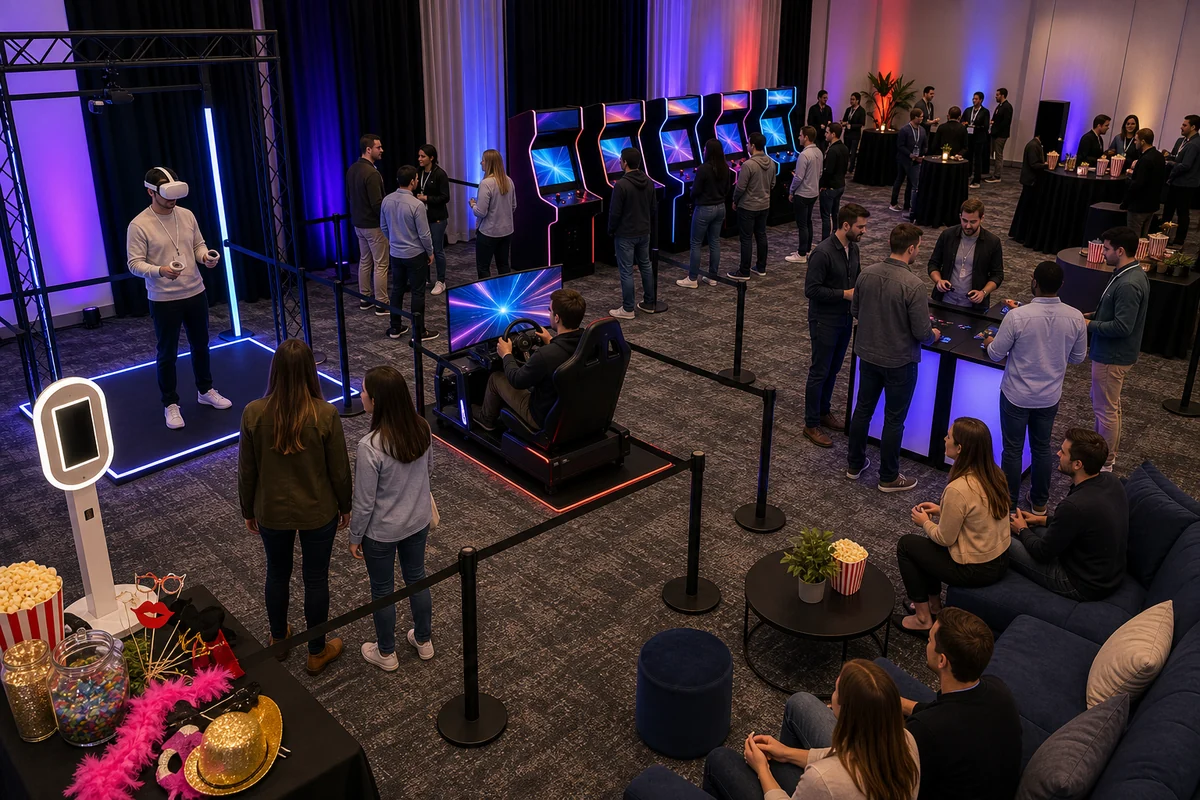
VR and simulator stations can draw groups of people who want to watch. Leave space behind the player area, not just in front of the screen or station. Arcade stations also need enough room for players to step in and out comfortably.
If the event is at a college, school, office, hotel, or private venue, include access, power, room layout, elevator or loading notes, and event timing in the planning details.
Use VR and Simulators as Visual Anchors
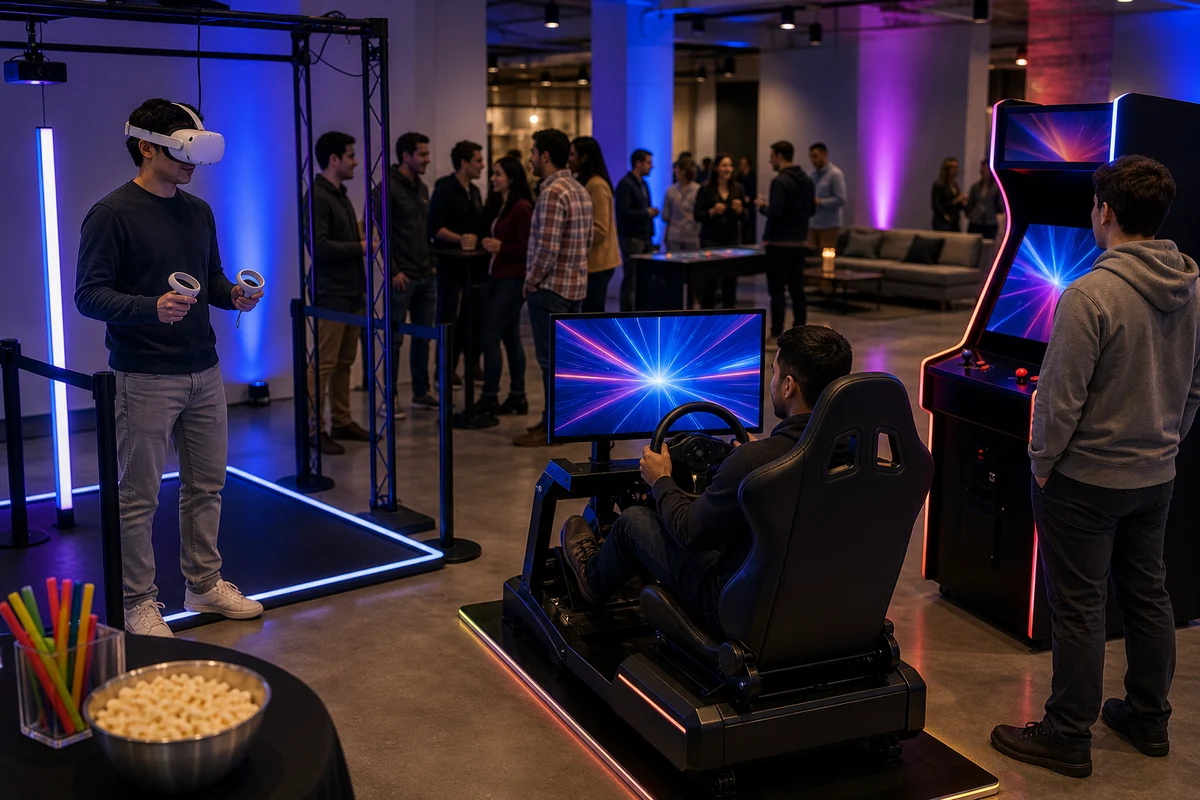
A VR station or racing simulator can quickly become the centerpiece of a modern entertainment area. These stations work best when guests can see what is happening without standing inside the player area.
For mixed-age or mixed-interest events, balance high-demand technology stations with quick-turn arcade games, photo booths, concessions, or casual seating.
- Keep VR reset space clear for staff and players.
- Use arcade games nearby for shorter turns.
- Keep spectators out of active player space.
- Pair technology stations with social areas so guests have options.
Think Through Controllers, Cables, and Reset Space
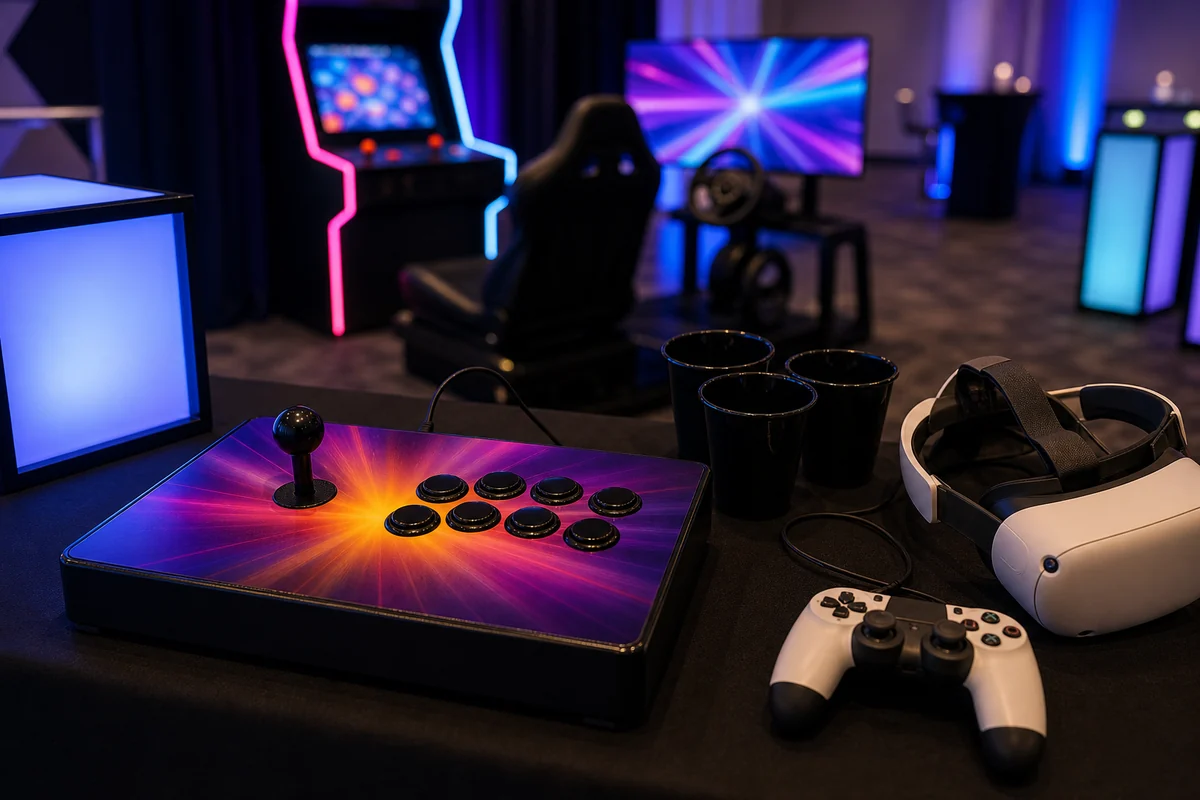
The best arcade and VR setups feel easy because the details are controlled. Controllers should be easy to reach, cables should stay out of guest paths, and stations should be simple for each guest to exit before the next turn starts.
If the event includes younger guests, students, or large crowds, leave extra room for watching and waiting.
Quote Details for Arcade and VR Rentals
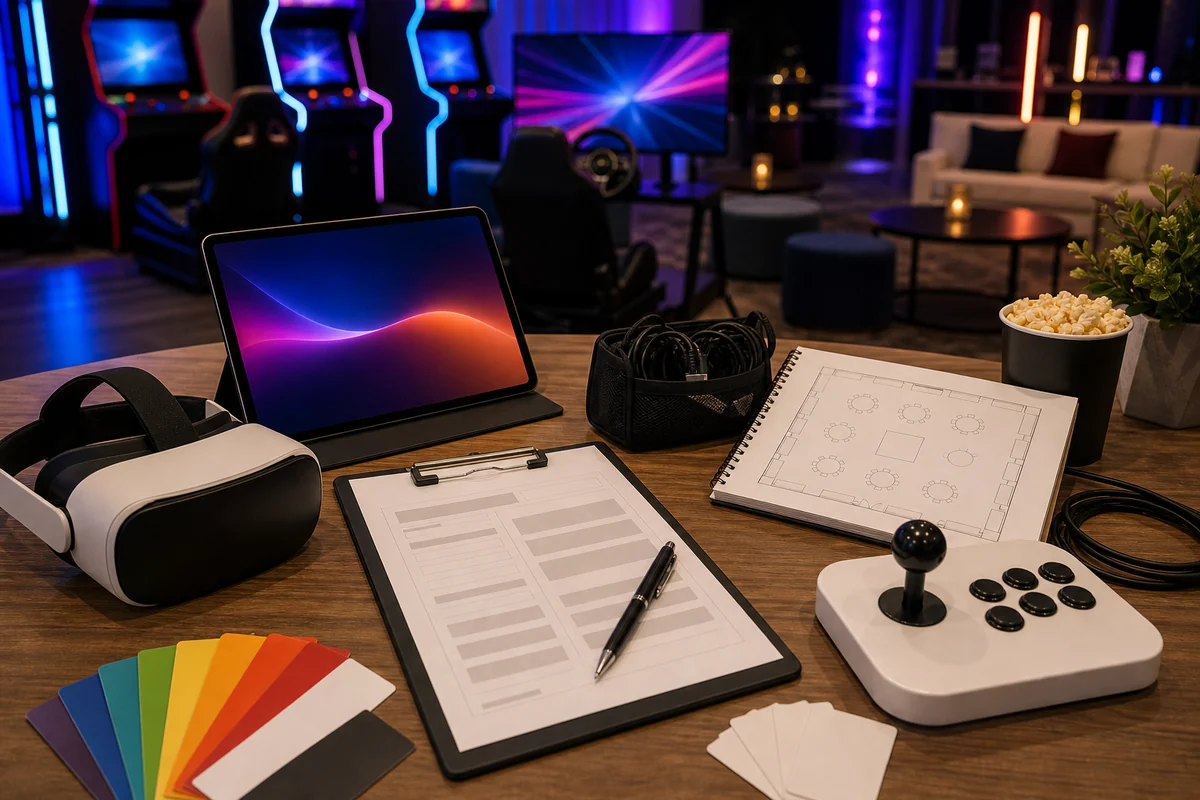
When requesting arcade and VR rentals, include the event date, Philadelphia-area venue, event format, guest count, age range, event hours, indoor or outdoor setup, room layout, power notes, access path, setup timing, and preferred catalog items.
Also mention whether the event is for teens, colleges, companies, post-prom, a private party, a school event, or a mixed-age group.
- Event date, venue, and event format.
- Guest count, age range, event hours, and activity goals.
- Room layout, access path, elevator/loading notes, and power details.
- Preferred rentals such as VR, video arcade stations, racing simulators, photo booths, or concessions.
- School, college, corporate, post-prom, teen, or private-party context.
Frequently Asked Questions
What events are good fits for arcade and VR rentals?
Arcade and VR rentals can fit teen parties, college events, post-proms, corporate events, private parties, and modern entertainment zones when the venue, power, access, and guest count work.
How much space should be planned around VR stations?
Plan space for the player, staff reset, a clear queue, and spectators. The exact footprint should be confirmed through the quote process based on the rental mix and venue.
What details help with an arcade and VR quote?
Send the date, venue, guest count, age range, event hours, room layout, power notes, access details, and preferred catalog items.